


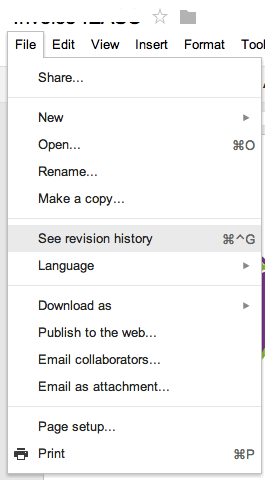
In Google Docs and Google Sites there is an option to see the revision history.
Use this to…
- See who has been working on the document.
- Revert back to an old revision if you are unhappy with the changes.
- Revert back to an old version if a collaborator makes changes that were not welcome.
- Grade group work, as the instructor you can go into revision history to see each student in the groups contribution.