





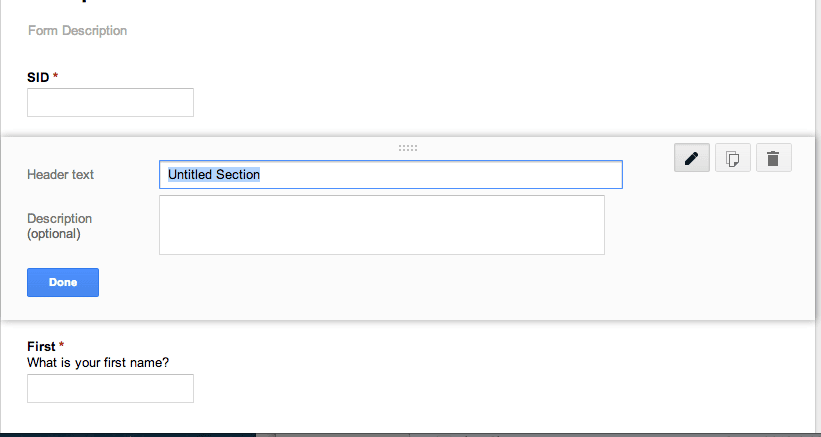
In creating a Google Form it is likely you realize that you forgot a question and need to insert a question in the middle of the Form.
One method is to select the “add item” button at the bottom and then drag the question up to the location in the Form where the question needs to be. This can be a drag (pun intended) if you have a lot of questions.
Try This
Click on the question above where you want to insert the new question.
Using the insert menu at the top choose what type of question you want to insert.
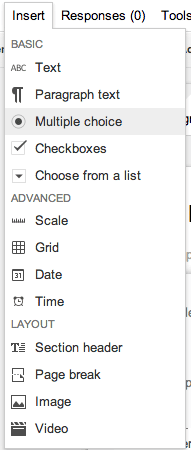
The question you insert will appear below the question you clicked on. Example, if you want a new question #5 click on question #4 and use the insert menu to insert a question into the #5 spot.
Heads Up
When you insert a question or re-arrange the questions in the Google Form the question order in the spreadsheet is unchanged.






2 thoughts on “Insert a Question in the Middle of your Google Form”
Regarding the heads up point, is there any way to make the spreadsheet column order match the questions after a question has been inserted, added or relocated?
Yes, you can drag the columns… but you are cautioned that it MIGHT mess it up. I’ve done it, but understand the risks.