
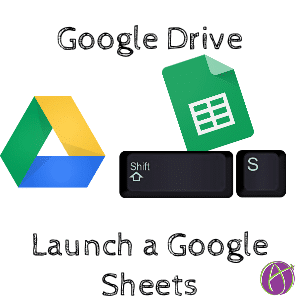
Start with Google Drive. Instead of using the “New” button to create a Google Sheets spreadsheet, hold down the Shift key and press S to magically launch a new Sheets in a new tab.


Start with Google Drive. Instead of using the “New” button to create a Google Sheets spreadsheet, hold down the Shift key and press S to magically launch a new Sheets in a new tab.






2 thoughts on “Google Drive: Shift S”
Hi Alice! Do you have a document that lists all of your great shortcuts such as “Shift S” to quickly create a new Sheet?
Yes go to Google Drive and hold down control key and press the question mark key.