



-
Recent Posts
- Broadcasting a Google Hangout on Air
- Sharing a Google Spreadsheet Template in 5 Easy Steps
- Reflection: Technology and Assessment
- Embedding Google Documents in a Google Site
- Infographic Technique: Text that Pops
- How to Create a Pivot Table to Summarize Student Information
- Equation Editor in Google Presentation
- Detecting Plagarism
- Reflection on Social and Professional Networks
- Images Make Things Better
- Getting Started with Spreadsheets
- 5 things everyone should know about spreadsheets
- Using the New Google Forms – A workflow
- Sharing Google Forms
- Using Web 2.0 tools & infographics
- Opacity in Google Drawing
- Have Students Create Infographics Using Google Draw
- Have Students Contribute Data to Make a Cool Class Data Visualization
- Sharing a Google Drive Folder in 5 easy steps
- Creating Side by Side Tables in a Google Doc
- LEC – Instructional Methodologies
- Student Sign in Sheet with Mail Merge
- Creating Custom Headers in a Google Doc
- Adding your Twitter Feed to a Google Site
- Putting Graphics Near Text on a Google Doc
- Student Video Mash Up with YouTube
- Reading Logs – Sharing progress with students
- Format Painter
- Leading Edge Certification – Online and Blended Teacher
- Have students create their own blog badge
- Scheduling Parent Conferences
- Peer Evaluations with a QR Code
- Using Google Forms for Peer Evaluation
- Students Submitting YouTube Videos
- Creating a Quiz with a Google Form and use Flubaroo to Grade it.
-
Recent Tweets
-
@dwmalone there is always Facebook. Use it 3 hours ago
-
@JenRoberts1 I care about your interests because we are friends... On Facebook. I don't care about random people's knitting 3 hours ago
-
@Frinkmama @wstagnaro I don't have TV 3 hours ago
-
@tweetcuetation I disagree, people follow you for a reason. Make a separate twitter for your love of knitting. 3 hours ago
-
@bijaldamani @edtechcoaching Oh, what a bummer. I hope to meet up with you again. 5 hours ago
-
Tags
animation apple Chrome code Collaboration command conference creative commons CUE docs document camera draw email forms formula formulas games gamification google gta gtawa highlight images IPad ipevo LEC mac math OBT presentation projects QR share shift sites spacebar Spreadsheet spreadsheets table of contents teacher toc twitter unconference voice youtubeCategories
- Activity
- Apple
- Blog Entries
- Chrome
- Chrome Apps
- Collaboration
- docs
- Draw
- forms
- Gamification
- GarageBand
- Illuminate Ed
- Inspire
- iPad
- iWork
- LEC
- MAC
- Open Source
- pedagogy
- Presentation
- Promethean
- Resources
- Sites
- Spreadsheet
- Student Projects
- Teaching with iPad
- Tricks
- Uncategorized
- voice
- Web 2.0
- YouTube
Alice's Projects
Blogroll
- 100 google tricks for teachers
- Alice Keeler’s Old Blog
- CUE FPU Innovative Educators Advanced Studies Certificate
- How College Prep is Killing High School
- How to steal like an Artist
- Importance of Free Response
- Jerry McGuire Moment
- Kleinspiration
- Minarets STUDENTS video channel
- Myth of Khan Academy
- Steve Hargadon
- Top 10 signs your teacher is a geek
- Well Duh: Alfie Kohn
Tag Archives: IPad
Literature Book Covers for iPads
TweetAt the Consumer Electronics Show in Las Vegas this year there was no shortage of cases being displayed. Walking by the m edge booth I was excited to see iPad cases that featured classic book covers. Unfortunately I had to be … Continue reading
Highlight on Diana Herrington and the iPad
Tweet I bought the iPad when it was first announced and immediately started integrating it into the classroom. Undoubtedly it is a tool that with the right teacher can inspire students and increase student learning. I was honored to work … Continue reading
More note taking in the iPad
TweetEspecially for Geometry I am enjoying not having to wait for students to copy down the question. Students are able to take a picture of the image on the board and then start annotating it in almost any drawing app … Continue reading
iPad Stylus
Tweet When I got the iPad 1 when it first came out I had obtained a couple of stylus’. The first one had a foam tip and was definitely not more accurate than my finger. I gave it away. I … Continue reading
Graphing on the iPad
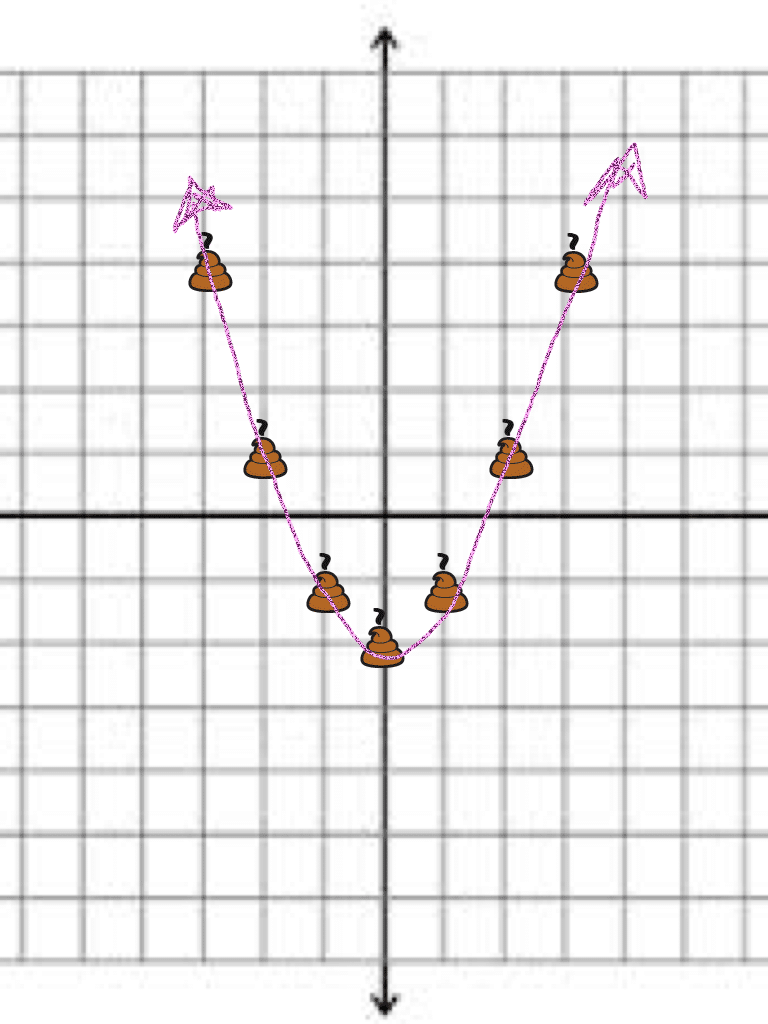
TweetWant a fun way for students to graph? Try using Doodle Buddy or really any of the million drawing apps available for the iPad. Start by going to google images and typing in graph paper. Find a grid that you like, … Continue reading
iPad Student Screencasting
Tweet So students have an iPad…. or maybe just the teacher has one. Now what? How about having students use the iPad and the free Showme app or the feature rich Explain Everything app to explain what they are learning. … Continue reading
WordPress and the iPad
Tweet I have been using the WordPress App for the iPad and really enjoy using it. I use it for 2 things 1) FAQ website for my students and 2) Student digital portfolios. I created a free wordpress account on … Continue reading
Teaching with iPad
Tweet Last Monday I lead a training in Hollywood for how to use your iPad to teach math. The assumption was that the teacher had an iPad and the students did not. This has been my reality ever since the … Continue reading